Digital baby shower invitations
Printable invitation PDF with a decorative QR block that links to your guest photo gallery — not a generic Canva template. Enter the details, pick a style, download and print or share digitally.
Free. No email. No signup. Print at home or send as a digital invite.
Your invitation
Live preview
How to create your baby shower invitations
1. Enter the details
Mom-to-be's name, date, time, location, RSVP info. The template formats everything beautifully.
2. Pick a style
Gender-neutral, girl, boy, woodland, boho, minimal — choose a theme that matches your shower aesthetic.
3. Download & share
Get a print-ready PDF. Print at home on cardstock, use a copy shop, or send digitally via text and email. The QR code on the invite links to your guest photo gallery.
Why your baby shower invitation should include a QR code
Most baby shower invitations ask guests to show up and bring a gift. But if you include a QR code that links to a guest photo gallery, two things happen:
- Guests arrive knowing the gallery exists. They're ready to upload photos from the moment they walk in — no explanations needed at the shower.
- Remote guests can participate. Anyone who can't attend sees the invite, scans the QR, and uploads photos, videos, or a voice message from wherever they are.
The invitation sets the expectation. By the time the shower starts, your guests aren't wondering "what's that QR code on the table?" — they already know.
Paper invitations vs. digital — do both
Print at home
- Download the PDF, print on cardstock
- Hand-deliver or mail
- Guests keep it as a keepsake
- The QR code works when scanned from the paper
Share digitally
- Send the PDF via text, email, or WhatsApp
- Guests tap the QR code directly on their screen
- Instant delivery — no stamps, no delays
- Forward to anyone the host forgot to invite
Most hosts do both — printed for close family, digital for the wider guest list.
Baby shower invitation wording tips
Not sure what to write? Here are angles that work for different shower styles:
- Classic: "Please join us for a baby shower celebrating [Name]. [Date], [Time], [Location]. Help us capture every moment — scan the QR code to upload photos to the guest gallery."
- Casual/Modern: "[Name] is having a baby! Let's celebrate. [Details]. Snap photos, upload them with the QR code on the invite, and let's build the best baby shower album together."
- Virtual/Hybrid: "Can't make it in person? Scan the QR code to leave a photo, video, or voice message for [Name] — you're part of the celebration wherever you are."
- Coed: "Calling all friends — a baby shower for [Name] and [Partner]. Games, food, and a photo gallery you'll actually want to look at. QR code included."
Keep it short. Include the QR gallery link or QR code. Let the template handle the formatting.
Match your invitation to your baby shower theme
Your invitation sets the tone. Choose a template that hints at the shower style:
- Woodland — forest creatures, earthy tones, greenery accents. Works for boy, girl, or gender-neutral.
- Boho / neutral — pampas grass, dried florals, warm earth tones. Modern, minimal, Pinterest-favorite.
- Classic pink / blue — soft pastels, elegant fonts. Traditional but never outdated.
- Safari / jungle — animals, green and gold. Popular for 2026 baby showers.
- Minimal / modern — clean lines, lots of white space, bold sans-serif font. For the host who wants "chic, not cutesy."
All templates include a QR code block sized to match the design — not a last-minute addition stuck in the corner.
How will you collect photos from all your guests?
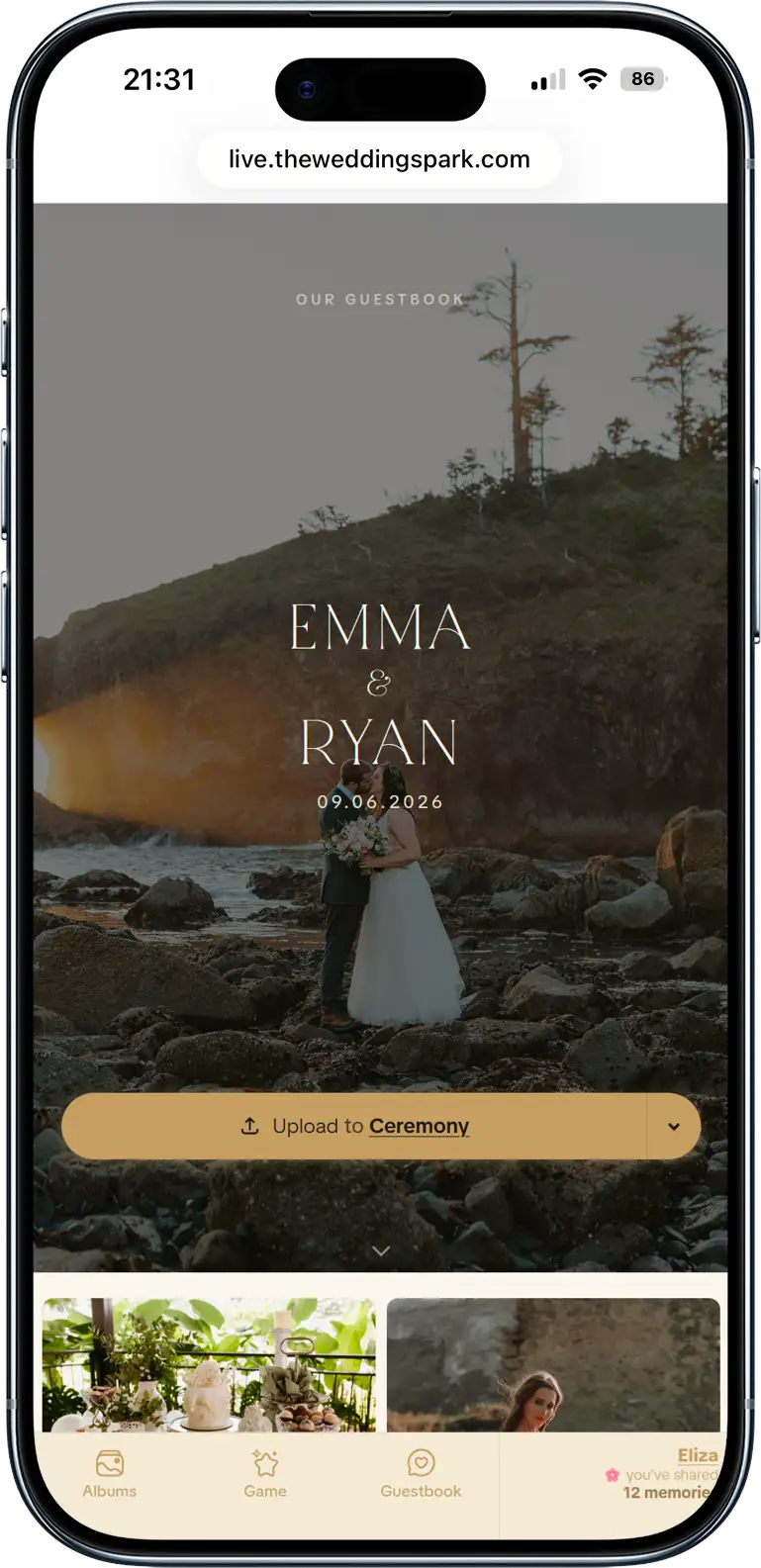
Little Moments gives guests one QR code to upload from any phone. You get every candid, not just what lands on Instagram.
Guests scan a QR code from any table — no app, no login, no friction. Everything lands in one gallery you control.
Inside is everything: photos, videos, text/video/audio guestbook, custom folders, photo hunt game, privacy controls, printable album PDF, co-organizers, slideshow, private gallery, and moderation.
- Unlimited guest uploads (photos, videos, audio)
- No app required — works on any phone browser
- Privacy controls (public or private uploads)
- 18 printable QR code templates
- Scavenger hunt photo challenges
- Print-ready album PDF (6 formats, US and EU sizes)
- Download everything as ZIP
- Moderation tools (approve or remove uploads)
- 6 months of hosting, then download & keep forever
One QR code. One-time $49. No subscription, no upsells — absolutely everything is included.